
The Home Comparison Report puts a “What is my home worth?” form on your website. A homeowner enters their address and a few details about the home, and MLSImport emails them the similar homes nearby from your MLS: what they sold for in the last six months, and what they are listed for today. You get the same report with the homeowner’s contact details.
Try it on the demo: standalone.mlsimport.com/what-is-my-home-worth.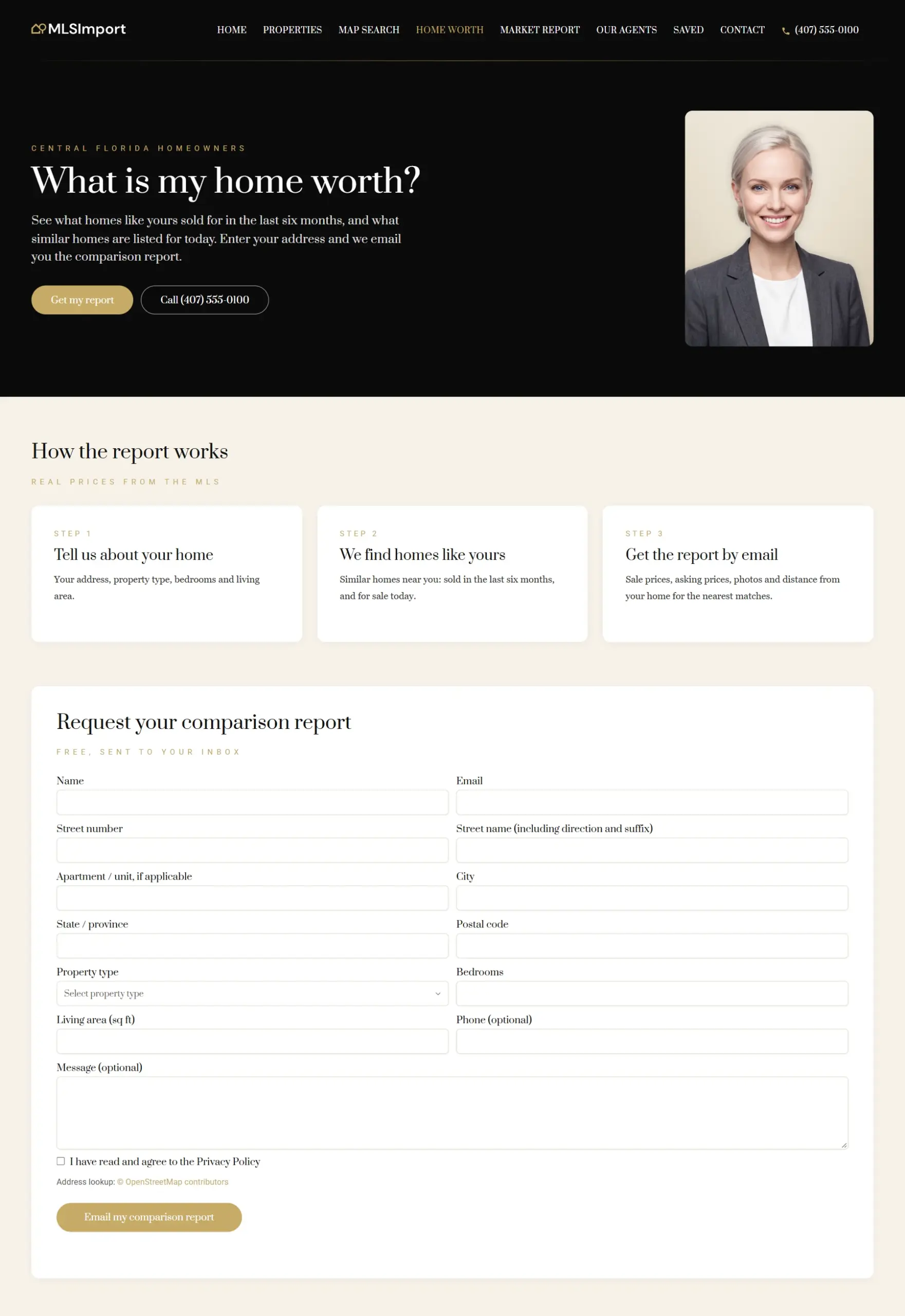
Add the form with Claude
When MLSImport is connected to Claude, as in How to Run MLSImport From Claude or ChatGPT, one message builds the page:
Using the MLS Import connector, create a page called What Is My Home Worth for the block editor. Add the Home Comparison Report widget with the heading What is my home worth? Then publish the page.
Claude creates the page, publishes it and sends you the link.
Add the form in the block editor or Elementor
In the block editor, add Home Comparison Report from the MLSImport group. Pick your MLS in MLS connection, and type a Heading if you want one above the form.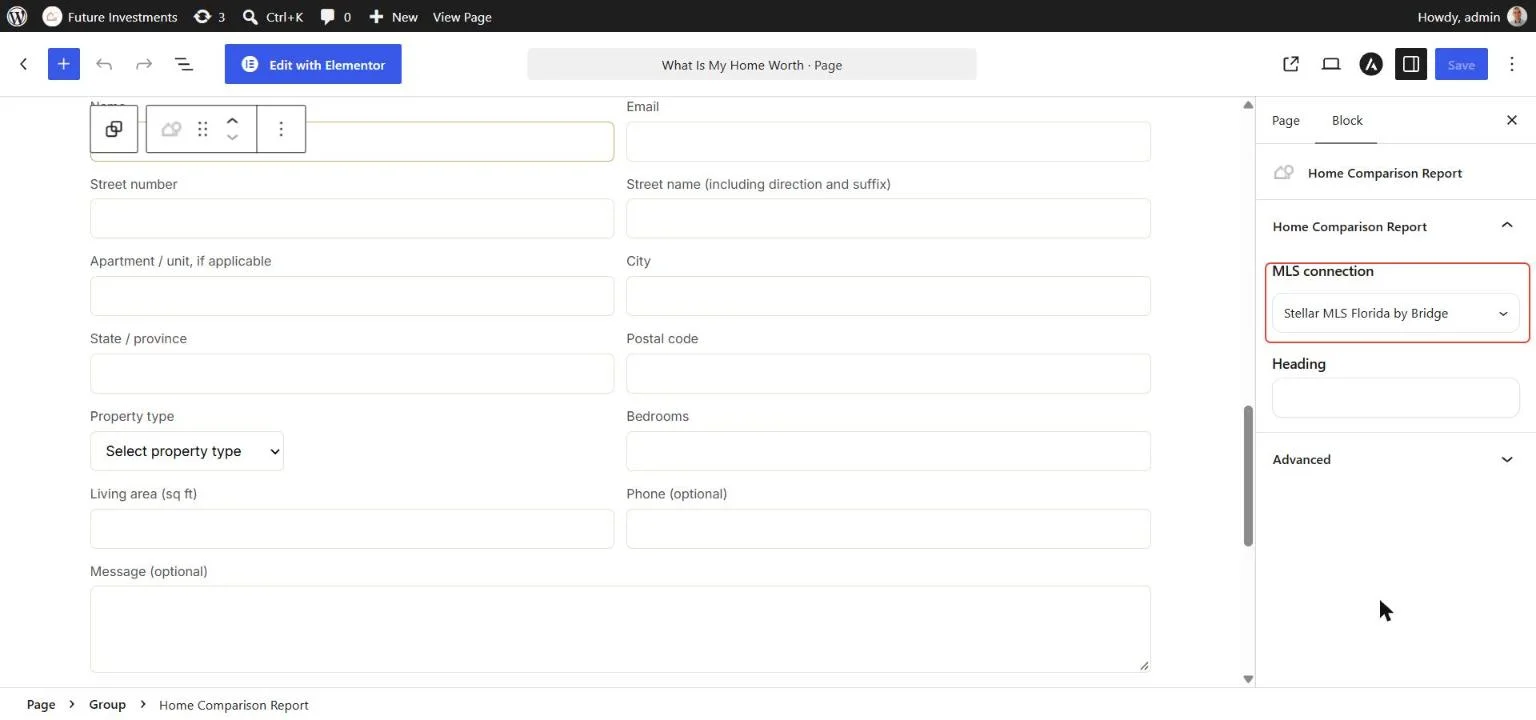
In Elementor, drag Home Comparison Report onto the page. Select your MLS and the heading on the Content tab. The Style tab sets the title colour, the field corners and the button colour.
What the homeowner fills in
Name and email, the address (street number, street name, unit, city, state or province, postal code), property type, bedrooms and living area in square feet. Phone and message are optional. The homeowner agrees to your privacy policy and clicks Email my comparison report.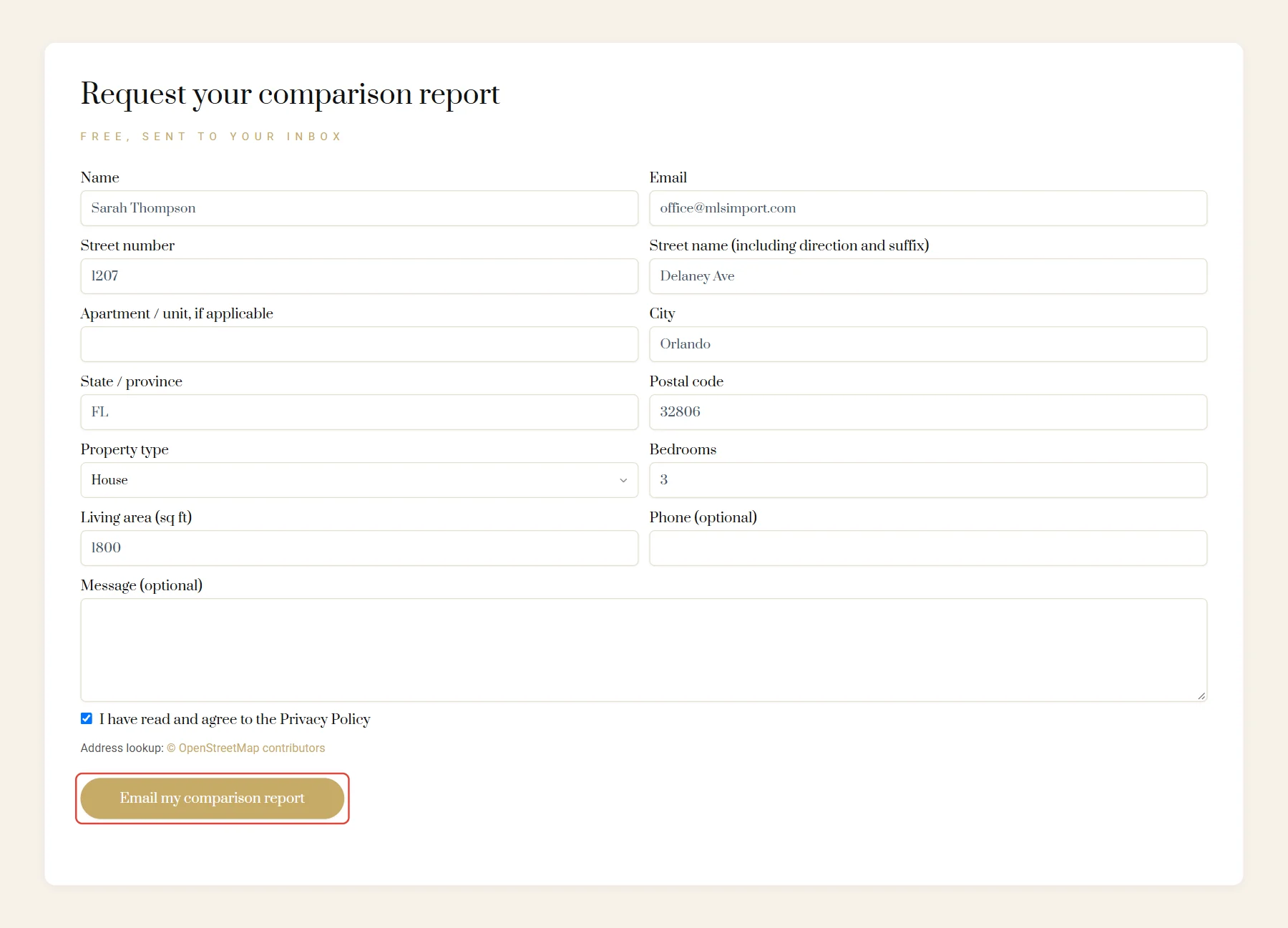
The form looks the address up on OpenStreetMap. When it finds it, the homeowner sees Your report is being prepared and will be emailed to you. When it does not, it asks them to check the street, city and postal code.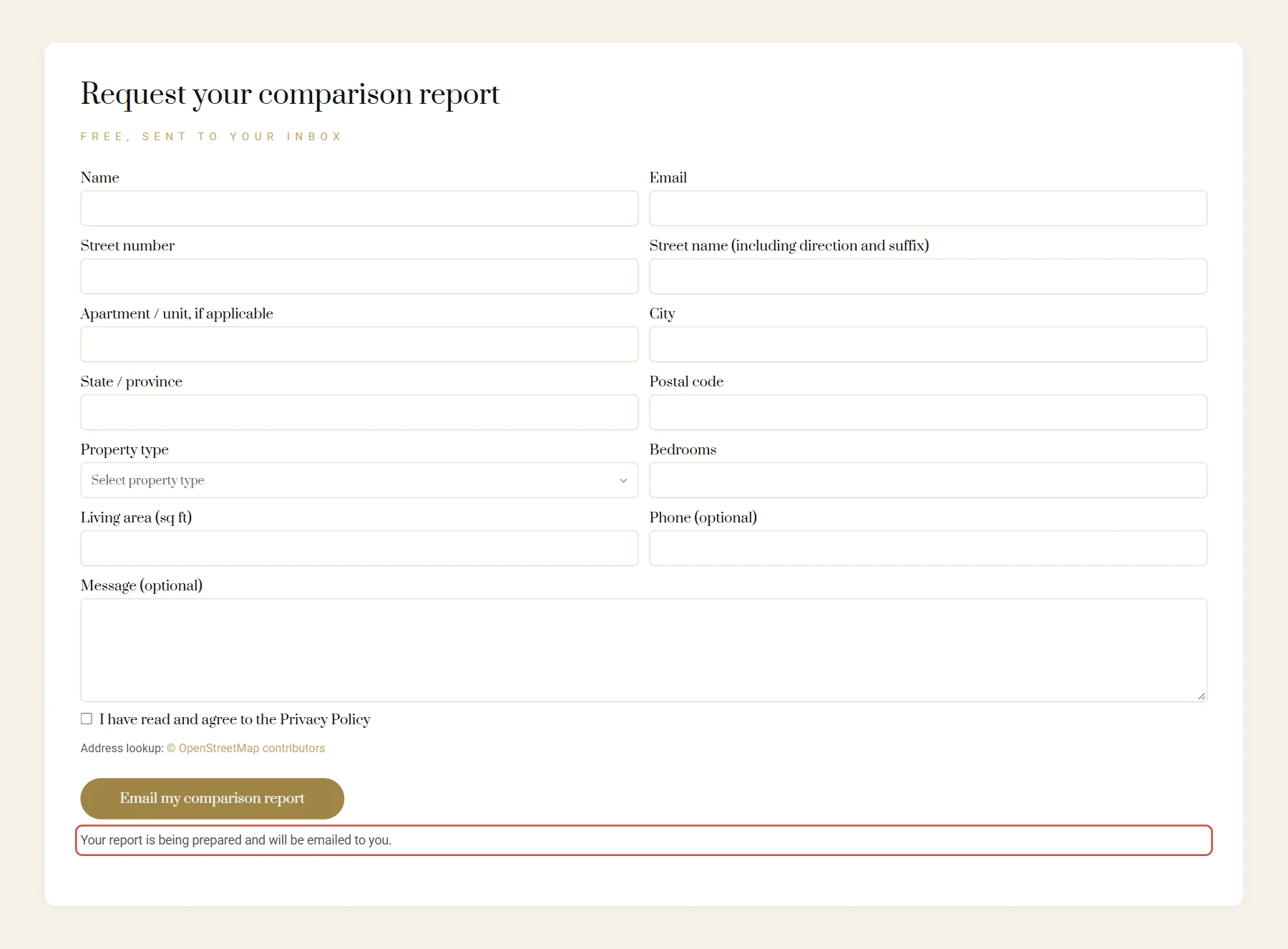
What the homeowner gets
An email with two sections: homes sold in the last six months with their sale prices, then active listings with their asking prices. Each home shows its photo, address, bedrooms, living area and distance from the homeowner’s address, and sold homes show the sale date.
Each section lists the six nearest similar homes. MLSImport looks within 1 mile and widens the search to 3 miles when it finds fewer than 3 matches.
What you get
An email titled New home comparison request with the homeowner’s name, email, address, property type, bedrooms and living area, followed by the same report they received. It goes to the address set in Where property leads are sent, and your reply goes straight to the homeowner.
Which MLS connections can run it
It depends on your MLS connection. MLS Grid connections cannot run the report. When a feed has no sale data, the report shows the active listings section only. When the connection you picked cannot run the report, you see a notice in place of the form while logged in as an administrator.
Add the page to your header menu, as the demo does with Home Worth. Every homeowner who visits your site sees the offer, and each request lands in your inbox with the address and the prices they received.