WordPress IDX Plugin
for MLS Listings

Import MLS listings into your WordPress website, customize your property pages, and keep your inventory updated.

harborrealty.com/listings
H
Harbor Realty
BuySellAgentsListingsAbout
Rhode Island
$400K to $1.5M
3+ beds
2+ baths
For sale
$845,000
#ML8492
128 Bayview Terrace
Newport, RI
3 · 2 · 1,840
New
$612,500
#ML8527
42 Maple Ave
Providence, RI
4 · 2.5 · 2,160
Open Sun
$1,240,000
#ML8613
7 Cliff Walk
Newport, RI
5 · 3.5 · 3,420
3 new listings
synced 2 min ago

Displaying listings is only the starting point.

Your website may need specific property fields, custom layouts, or listings selected for a particular market. An IDX solution needs to support that experience, not just put properties on a page.

MLS listings, built into WordPress.

MLSimport stores listings as WordPress property posts, fields, and taxonomies. Build your property pages and search around them while MLSimport keeps listings updated.

Features

One MLS plugin. MLS listings and search.

The WordPress IDX plugin built for agents, brokerages, and the developers who work with them.

Auto-sync from any MLS

RESO Web API and IDX. Pick your feed once and we keep your listings automatically updated.

Stellar MLS
Last sync: 2m ago · 14 updates
LIVE
CRMLS
NWMLS
Bright
every 15 min · respects rate limits

Multiple MLS markets. One website.

With the multi-MLS version, combine listings from separately authorized MLS sources on one WordPress website, with a unified search experience.

Zero-copy photo hosting

Listing photos stay on the MLS CDN. No downloads, no bloated uploads folder, no hosting bill that grows with your feed.

1,200 listings · 38,400 photos
imported
0 MB
added to your server
served from MLS CDN

Search & filters

Frontend search by city, price, beds, baths, and school district, out of the box.

Charleston, SC
$0 to 800K
3+ bd
2+ ba
Pool
Garage
Waterfront
248 resultsSort: Newest ↓

IDX & Fair Housing compliant

Imports the broker, agent, attribution, and disclaimer fields your MLS requires.

MLS display fields imported
Broker, agent, attribution and disclaimer fields, as your MLS requires them.
RESO Web API

Two ways to fit listings into your WordPress website.

Standalone MLSimport for WordPress

Use MLSimport's standalone components, editable templates, and developer hooks to adapt the property experience.

Deep integration with supported real-estate themes

Import listings into the theme's existing property structure, using its property pages and display components.

Configure field mapping so the imported information fits the website's requirements.

Full setup guide

See how MLSimport takes listing data from an authorized source into your WordPress website.

01

Choose the listings your site needs

Connect one or more authorized MLS sources and select the inventory to import. Combine listings from different MLS markets on one WordPress website.

02

Shape your property experience

Build property pages and a unified search experience around the imported inventory. Choose one of the two implementation routes below to fit your website.

03

Keep your inventory updated

Keep imported inventory synchronized with changes from each connected MLS source, across the markets you serve.

What customers say

Trusted by agents, brokerages, and the developers who build for them.

“There were several options to choose from, but I wanted a plugin that would easily integrate into my preferred WP Residence theme, and be easily customizable. MLS Import was my solution!”

C

Christina Catalano

Realtor Broker, makeaustinhome.info

“My website lists luxury properties with Miami Realtors MLS. I found Wp Residence and MLS Import and got my project done in just a couple of days.”

N

Nicolas Coudene

Realtor Associate, investatemiami.com

“I’ve looked a long time for a solution to showcase MLS listings without having to use IDX plugins and their limited features. When I found MLS Import, I was thrilled that I was finally able to use my Wp Estate theme and its features freely.”

C

Chris Naso

Real Estate Salesperson, pazillow.com

See MLSimport on real websites

Explore customer websites featured in our showcase to see different approaches to property pages and market-focused listings.

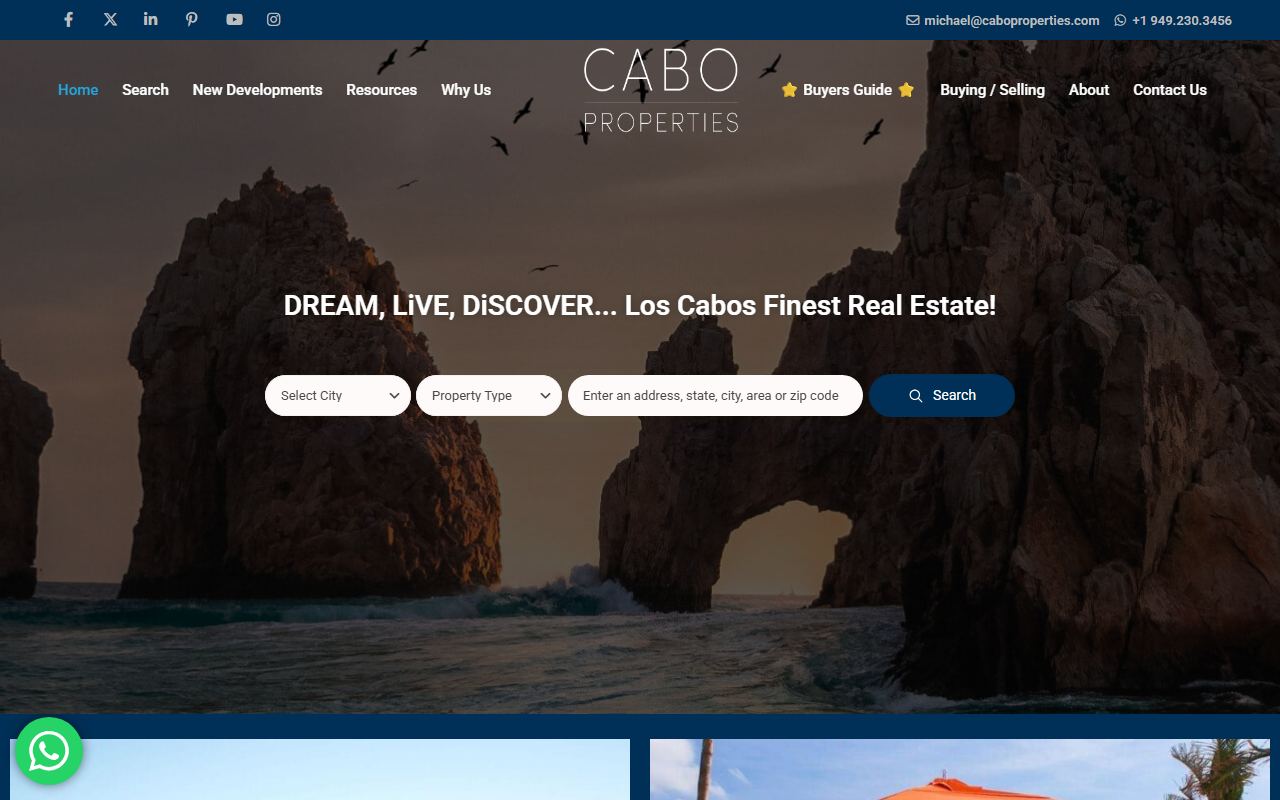
caboproperties.com
Cabo Properties

Cabo Properties

A Los Cabos property website with community pages and featured listings.

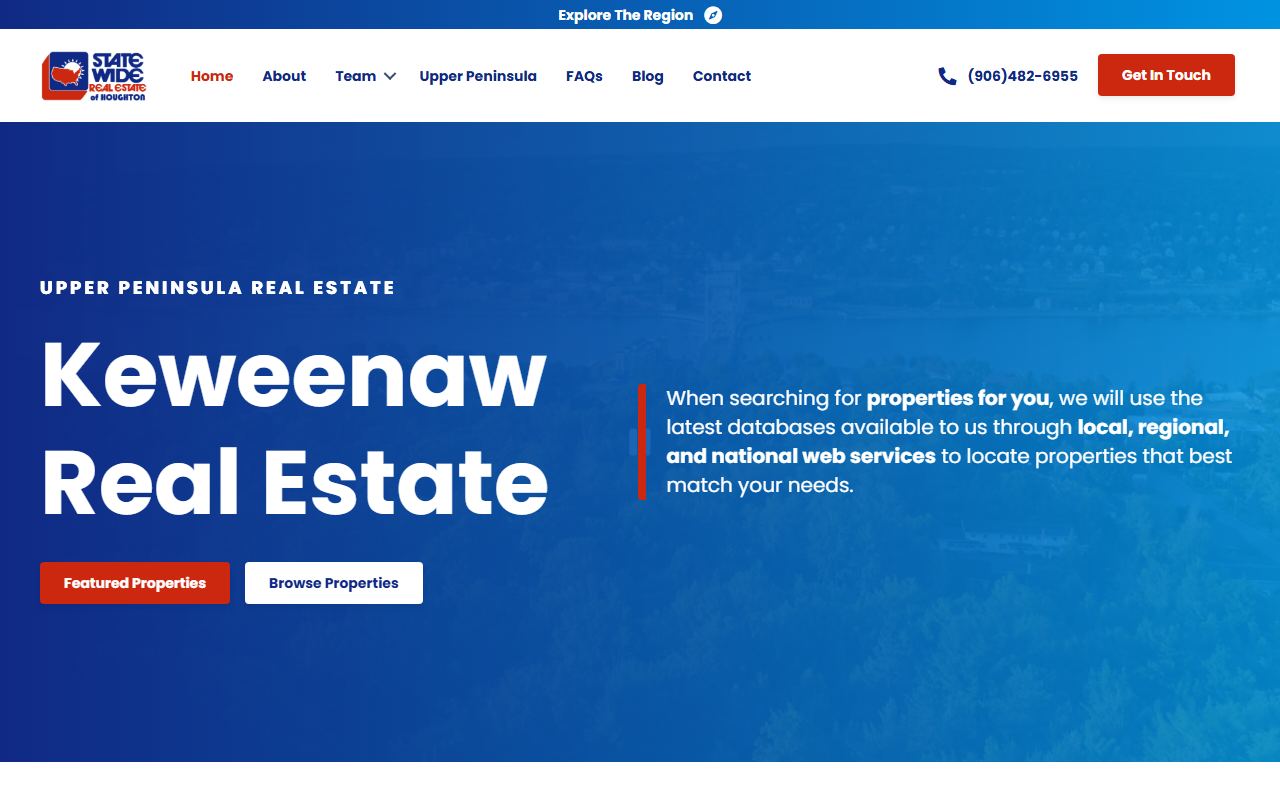
statewideofhoughton.com
Statewide of Houghton

Statewide of Houghton

A Michigan property website with MLS listings imported into its WordPress property pages.

nirvanamiami.com
Nirvana Miami

Nirvana Miami

A Miami condominium website with separate listings for homes to buy and rent.

legacyhomerealtors.com
Legacy Home Realtors

Legacy Home Realtors

A Louisville property website with local MLS listings displayed through WPResidence.

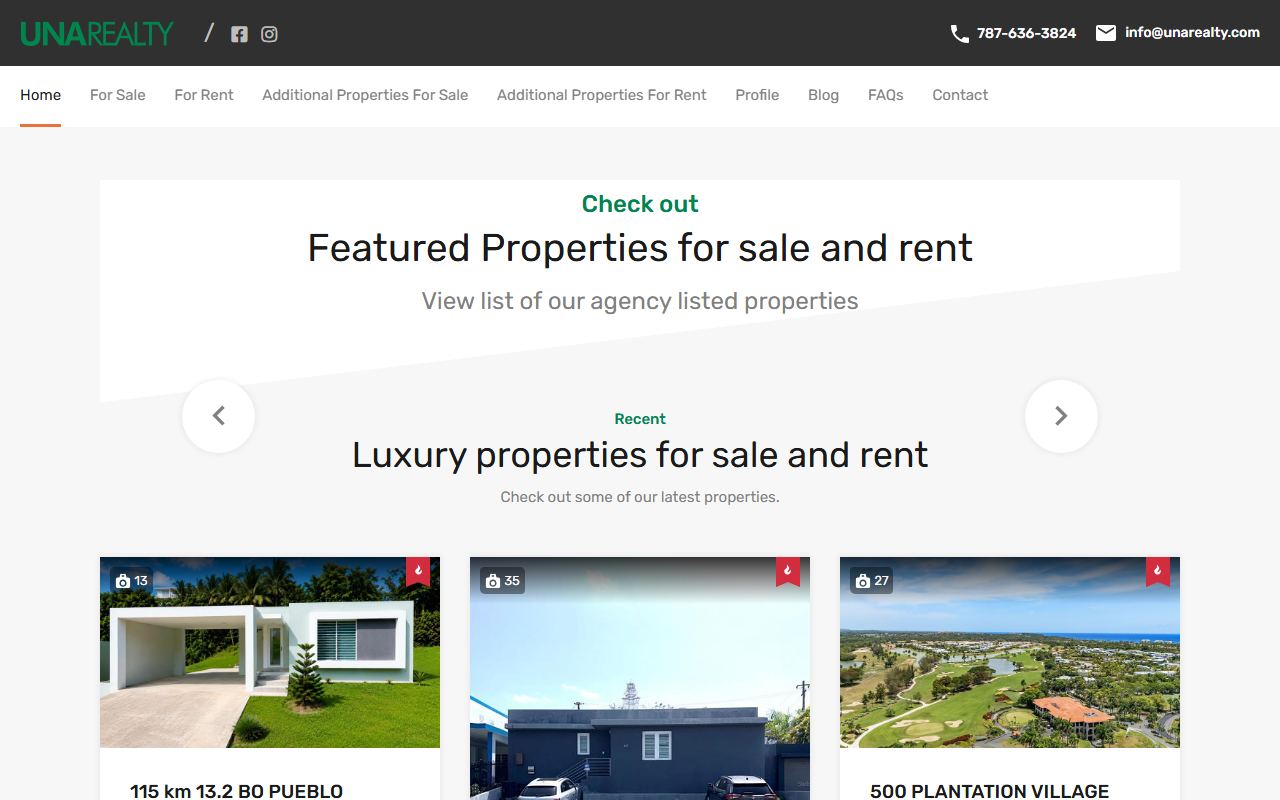
unarealty.com
UnaRealty

UnaRealty

A Puerto Rico property website showcasing luxury listings imported from Stellar MLS.

www.adonait.com
Adonait

Adonait

A Miami and Florida property website built with Houzez and MLSimport.

Connect your MLS to WordPress

MLSimport supports RESO-standard MLS connections. Get approval from your MLS board and the credentials it provides to connect your website. For multiple MLS sources, you need approval and credentials for each.

Browse the MLS directory

What you need to get started

A WordPress website

install MLSimport using the implementation route that fits your theme.

Approval from your MLS board

obtain permission to use its listing data on your website.

MLS connection credentials

provide the credentials your MLS issues, such as an authorization token.

Suitable hosting

use hosting sized for the inventory you plan to import.

For multiple MLS sources, obtain approval and credentials for each source. MLSimport supports RESO-standard MLS connections; the customer's prerequisite is authorized access.

Guides for your MLS website

Guide

Understand MLS data

Learn what an MLS does and how listing data fits into a real-estate website.

Read the MLS guide

Guide

Build your WordPress MLS website

Follow the steps involved in creating a website with MLS listings.

Read the website setup guide

Guide

Plan your MLS integration

Understand the decisions involved in connecting listing data to your website.

Read the integration guide

Reference

Best real-estate WordPress themes, compared

Compare WordPress themes for your MLS website, including WPResidence, Houzez, RealHomes, and WPEstate.

Read the theme comparison

Free guide

How Millionaire Realtors Actually Use the MLS

23 overlooked ways to find opportunities, win listings and grow a real estate business, drawn from the MLS you already pay for. No plugin required to use any of it.

  • 65 pages, 23 plays, each with a “do this today” step
  • Buyer searches, CMAs, listing appointments, expired listings
  • Written for agents and brokerages, not for our software
Get the free guide

Name and email, nothing else. The download link arrives by email.

PDF · 65 pages
Integrations

800+ MLS boards. One IDX plugin for WordPress.

We connect to any RESO certified MLS. Over 800 have been certified to date across the United States and Canada. Don’t see your board? Tell us and we will check it for you.

FAQ

Frequently asked questions

View plans

Do I need approval from my MLS?
Yes. Your MLS board must approve your use of its listing data and provide connection credentials, such as an authorization token. MLSimport does not replace that approval.
Will I need to change my WordPress theme?
No. Use standalone mode with your existing theme, or choose a deep integration with WPResidence, WPEstate, Houzez, or RealHomes. The setup and customization work depend on your website.
How do listing updates work?
MLSimport synchronizes changes from your connected MLS sources. The timing depends on the service configuration and source availability; updates are not a promise of real-time delivery.
Can I combine listings from more than one MLS?
Yes, with the multi-MLS version. Connect separately authorized sources, combine their listings on one website, and offer a unified search experience.
Can I choose which listings to import?
Yes. Use import filters to select the inventory your website needs, and choose which listing fields to import.
Can I cancel my subscription?
Yes. You can cancel from your account. An active service is needed for ongoing MLS synchronization. Contact support if you need help planning the change.