
Alerts records every change MLSImport sees on your listings and can send you one email a day about them. The email lists the changes in the areas you follow and, at the top, the buyers whose saved searches match a new or changed listing.
This video shows the whole flow, from a buyer saving a search on the website to the daily email.
The Alerts page
Open it from the WordPress dashboard:
MLS Import Settings → Alerts
The table lists each recorded change with its date, the kind of change, the listing, the MLS number, the old and new value, and the import task that holds the listing. Search by MLS number, or filter by event and by import task, to see the history of one property.
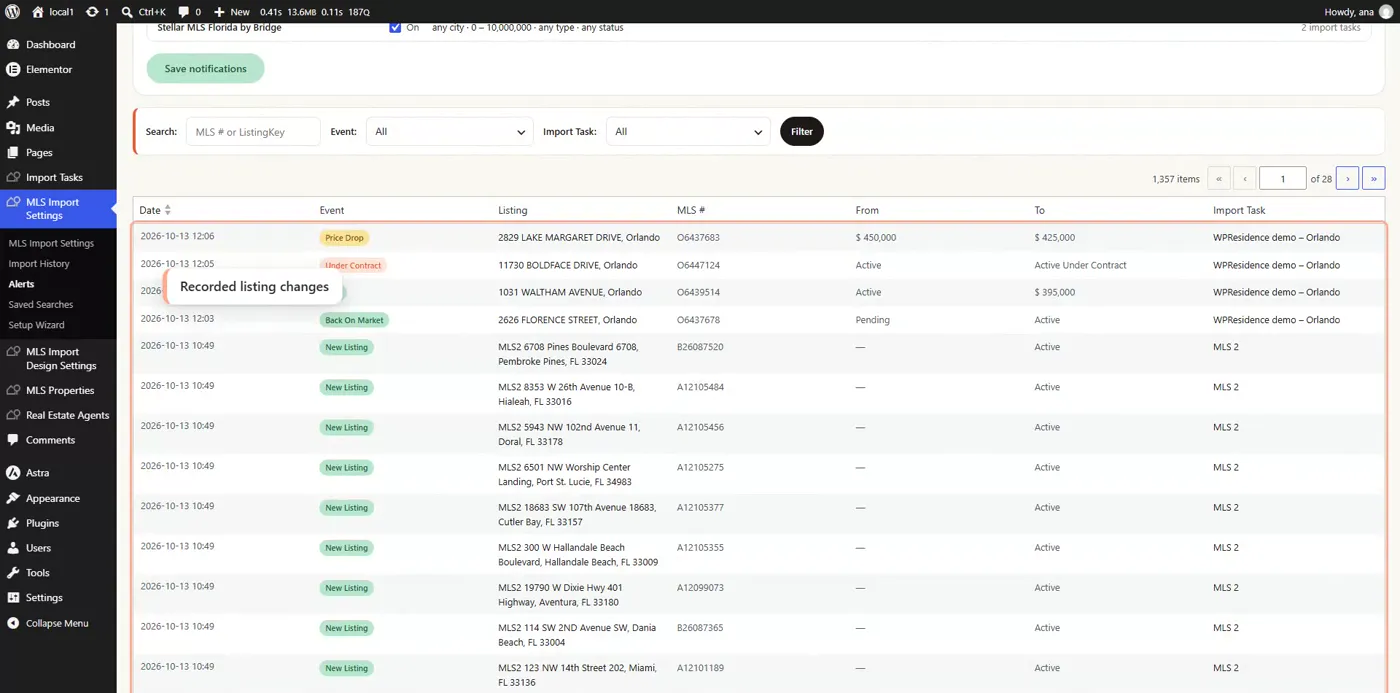
The kinds of change recorded are: new listing, price drop, price increase, status change, under contract, sold, off market, back on market, listing agent or office changed, and photos or description changed. Sold is recorded when the MLS sends the listing as closed.
Turning on the daily email
On the Alerts page, open the Notifications section:
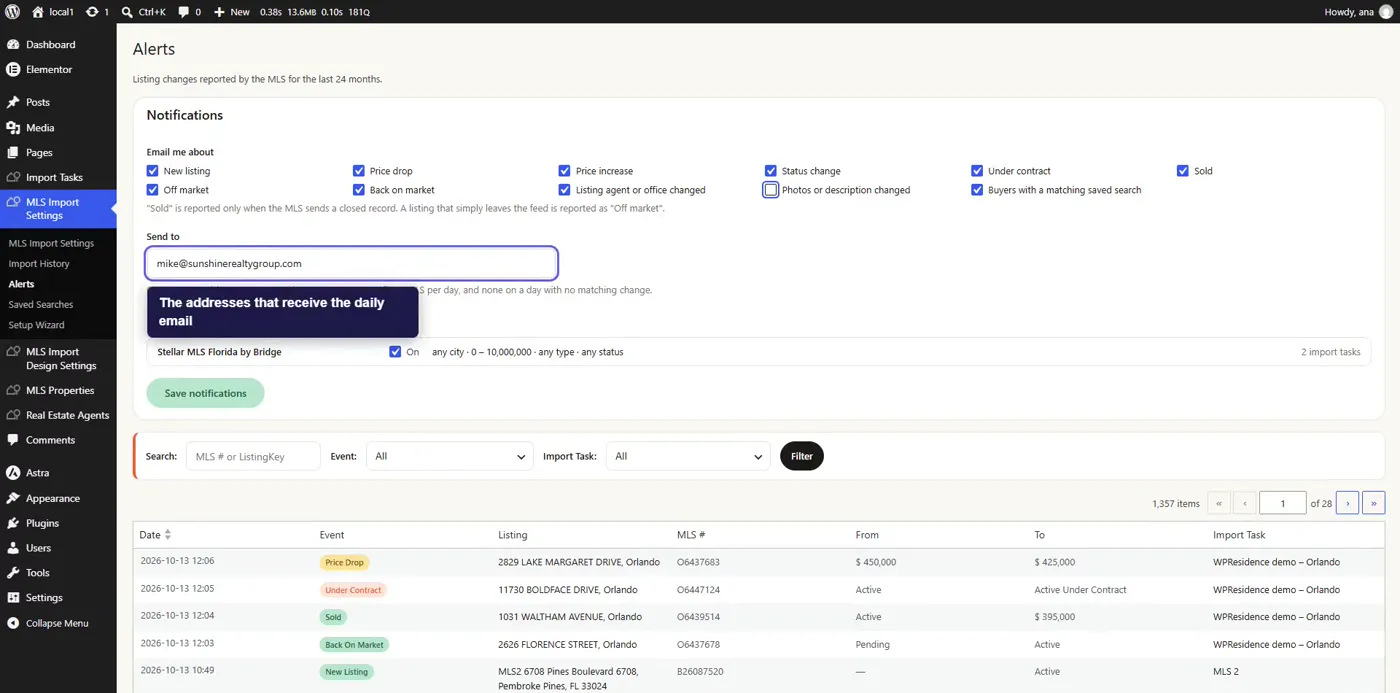
- Under Email me about, tick the kinds of change you want in the email.
- Tick Buyers with a matching saved search to add the Buyers to contact section.
- Under Send to, add one or more email addresses.
- Switch on each MLS you want emails for.
- Click Save notifications.
Filtering each MLS
Each MLS has its own filter: city, neighborhood, zip code, price range, property type and status. The filter starts with the values from that MLS’s import tasks, so the email follows the listings you already import. Change it to narrow the email to the areas and price range you work.
What the email contains
You get one email per MLS per day, sent on days with changes to report. The first email covers changes from the day you turn notifications on.
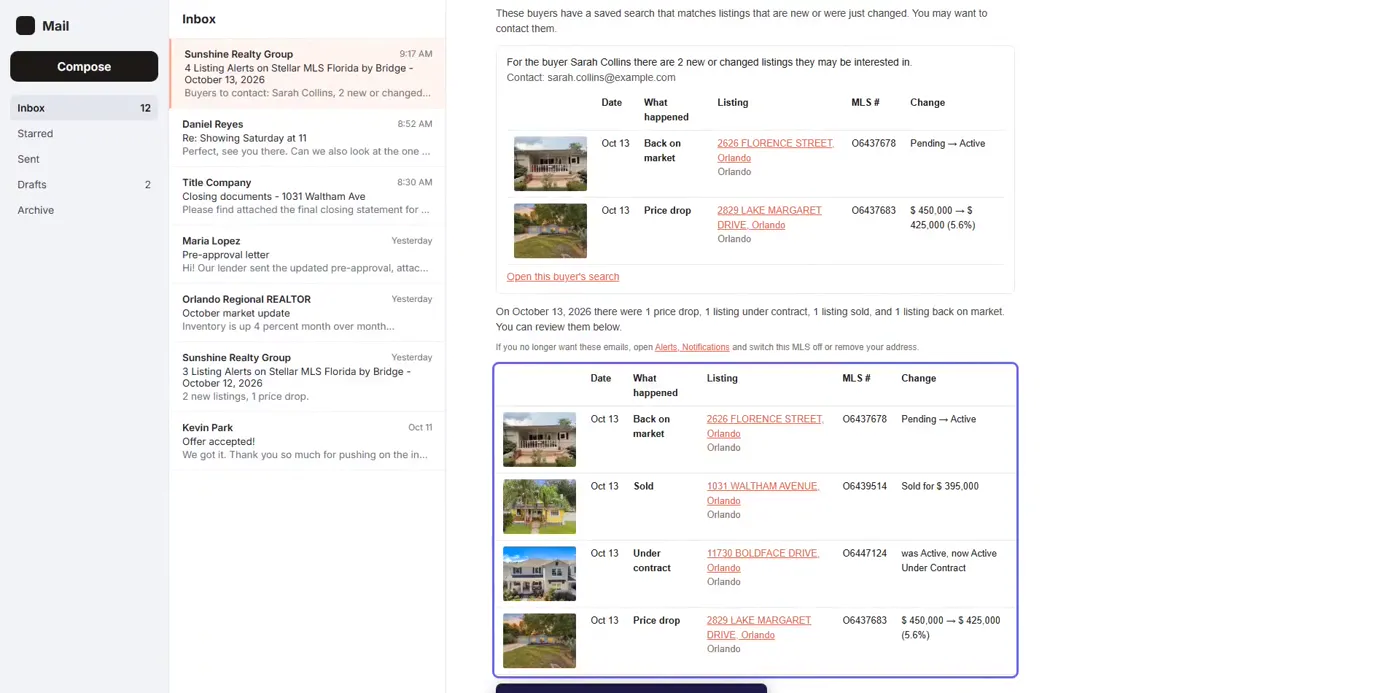
The listing changes table shows up to 50 changes, each with the listing, the MLS number, what changed and a link to the property. When there are more, the email says how many.
Buyers to contact
This section lists buyers whose saved search matches a listing that is new or was changed since the last email. For each buyer you see their name, email address, up to five matching listings and a link that opens their saved search. The email lists up to 20 buyers.
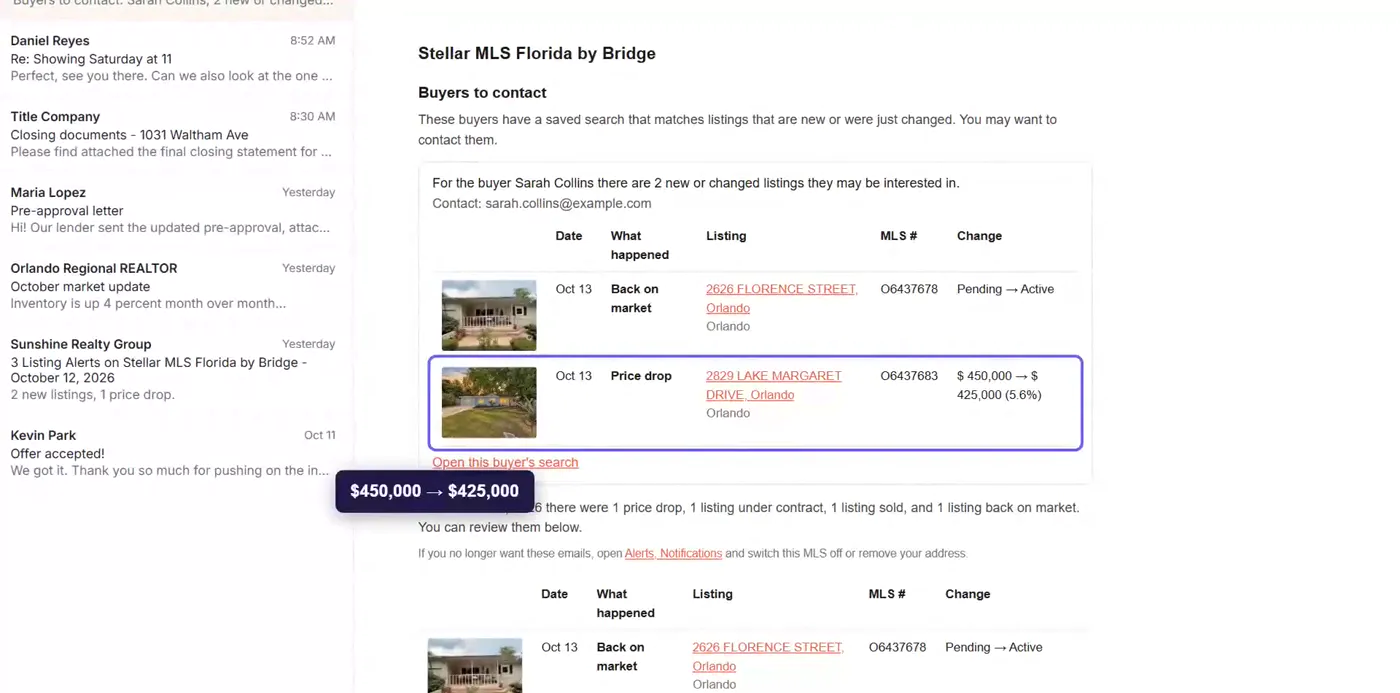
Here the buyer’s own saved search is the filter, so the MLS filter above applies only to the listing changes table.
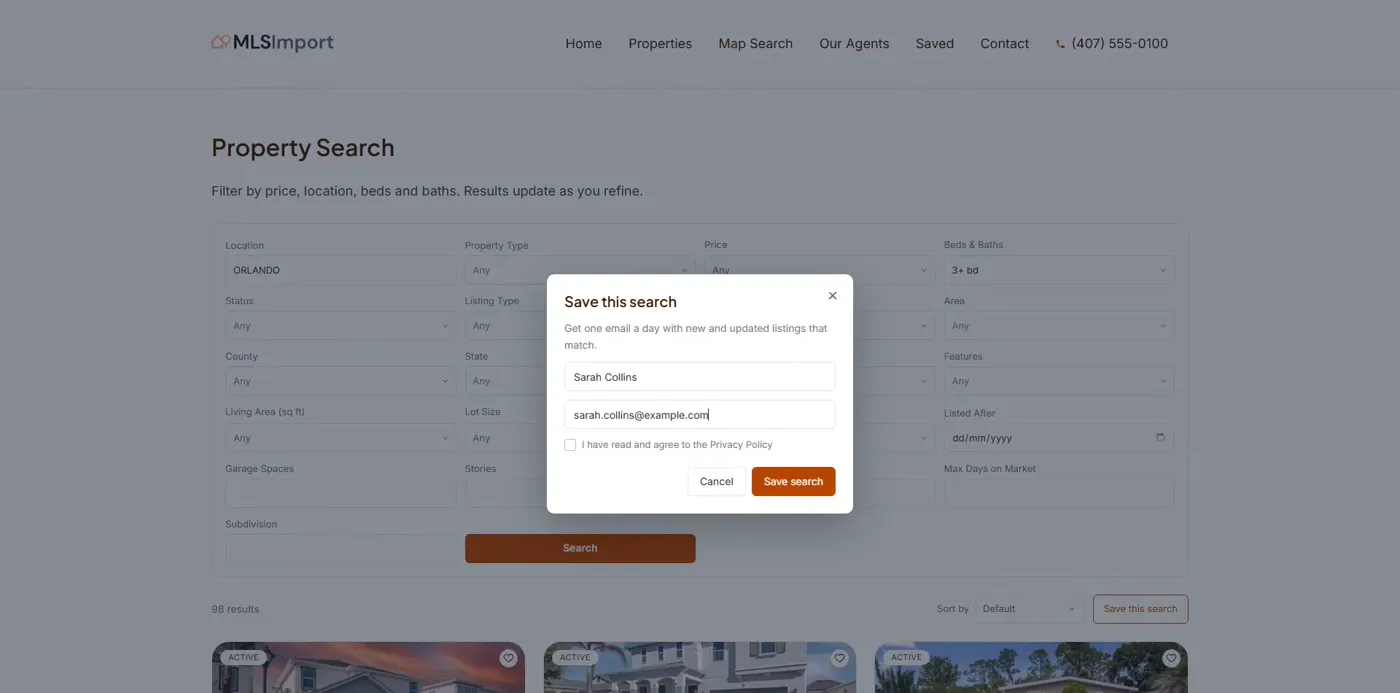
Buyers to contact reads saved searches from MLSImport standalone mode and from the WPResidence, Houzez and Real Homes themes. In standalone mode, visitors save a search from the Save this search button next to the Sort control on the search results.
For how agents use this email day to day, read Which buyer to call when a listing drops in price.
